Interactive & WebGL
- Price
- from $8,000
- Timeline
- 4–8 weeks
- Experience
- 100+ projects · 10+ years · 9+ countries
3D, shaders and animation that make a website memorable without slowing it down
- WebGL
- Three.js
- Blender
Our usual stack. We bring in other tools when the task or the project calls for it.
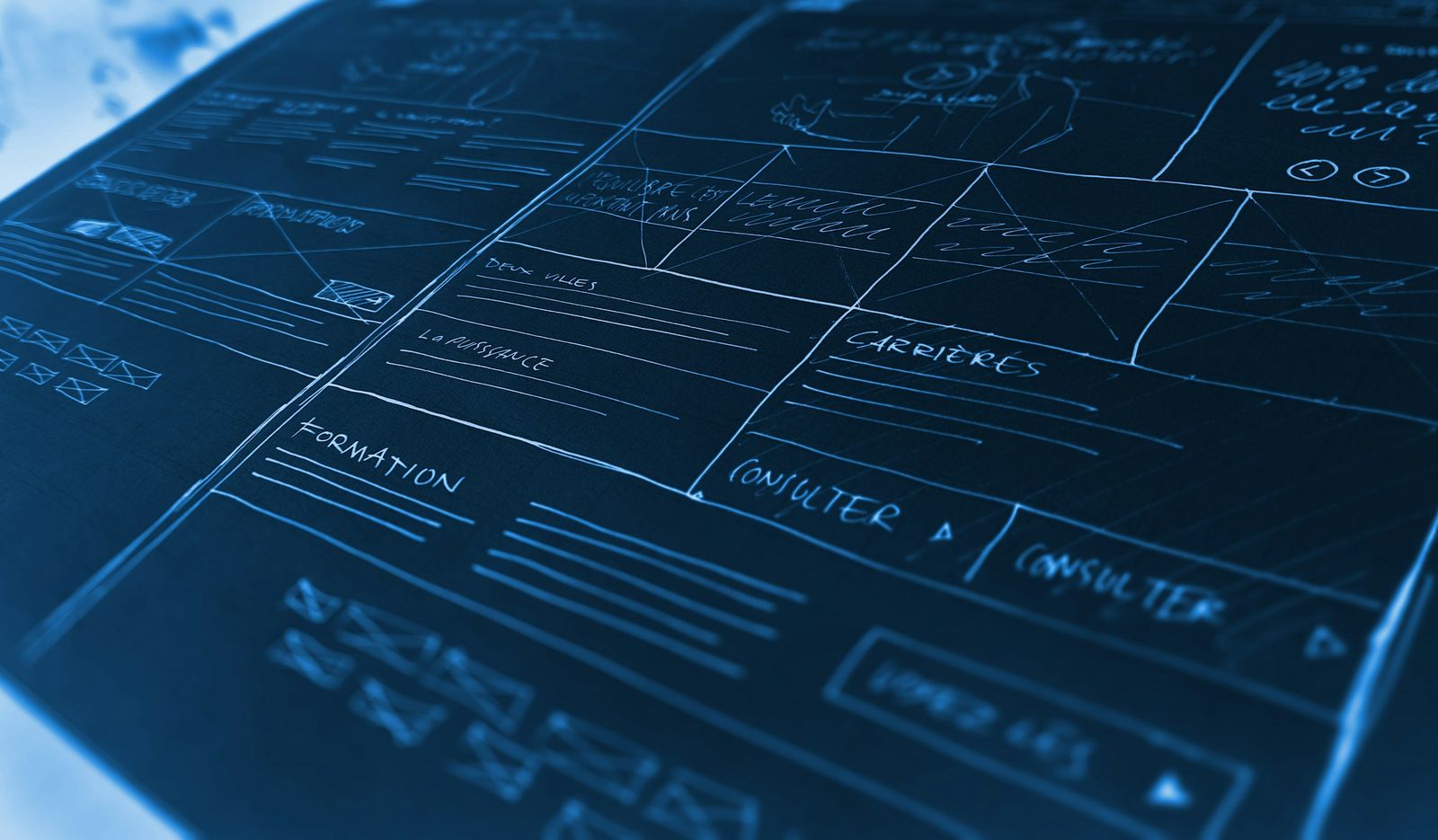
Sometimes a website has to do more than describe the product — it has to make an impression: a living background, a 3D object, a response to the cursor and scroll. We build these effects with WebGL and shaders and make sure they run smoothly even on low-end devices.
We create interactive work for new websites and live ones alike: a WebGL scene on the home page, animated key sections or a standalone promo page.
What we build
- WebGL scenes and 3D objects with Three.js
- Custom shaders: particles, distortion, transitions
- Scroll-driven text and section animation
- Smooth page transitions
- Quality tiers that adapt to device performance
- A fallback for devices without WebGL support
What you get
- A website that stands out from competitors
- Effects that don’t hurt loading speed
- A steady 60 fps on modern devices
- Code that’s easy to maintain and tune
Why a website needs interactivity
Our product is hard to show: it's intangible or not out yet
We find a visual metaphor and build it as a 3D scene: data turns into particles, a process into an object moving on scroll. The scene explains instead of just decorating.
We added WebGL and now the site heats up phones
We set a frame budget from the first prototype and measure on a low-end Android, not a MacBook. The scene renders only while visible and sleeps when the tab is inactive.
The effect looks great, but search engines see an empty page
Text and markup stay plain HTML above the canvas, and the scene loads after the main content. Search engines and screen readers read the page as usual.
We were shown the effect as a video; in the browser it's different
We prototype the effect in the browser, not in After Effects. You see it on your own devices before page development starts.
Only the person who wrote the code can change the effect
Scene parameters — colors, speed, particle density — go into a config or the CMS. The code is documented so your team can work with it.
What we work with
Impact without compromise
The effect serves the idea
Every scene says something about the product or brand. Pretty motion with no meaning doesn't make the cut.Speed is part of the brief
The scene loads after the main content, and we budget the frame time back at the prototype stage.Every device accounted for
We test on low-end phones and laptops and decide up front what to simplify and what to keep.Content stays first
The background never competes with the copy: headlines stay readable, buttons clickable, and search engines see the whole page.Custom code, not templates
We write scenes and shaders for each project, so you won't see the same effect on the site next door.
Who builds the interactive
Design and development work on the scene together: the effect is born in a prototype, not a slide deck.
Art director
Comes up with the idea, sets the character of the motion and makes sure the scene works for the brand.Motion designer
Lays out the animation frame by frame, picks timings and easing curves, and designs the transitions.WebGL developer
Builds the scene in Three.js, writes the shaders and tunes quality tiers and frame rate.Project manager
Keeps the schedule, shows prototypes at every step and gathers your feedback.
Who WebGL is right for
A good fit if
- Product and tech companies whose site should look as advanced as the product
- Launch promo pages that need to stick after a single visit
- Studios, brands and creative fields where the site is part of the portfolio
- Sites where 3D explains how the product works better than text
Not a fit if
- The site lives on search leads alone — structure and speed matter more, so start with performance work
- No time for a prototype and iterations — a rushed effect ends up rough, so go for light animation
How we work
- 01
Idea
2–4 daysWe discuss the impression the website should make and collect references.
You get A reference board and a written outline of the scene and motion - 02
Effect prototype
1–2 weeksWe build a working draft of the scene so you can judge it live, not from pictures.
You get A draft scene you can open in the browser from a link - 03
Development
2–4 weeksWe finish the scene and animation and integrate them into the website.
You get The scene and animation running inside the site on a staging server - 04
Optimization
3–5 daysWe profile on different devices and tune the quality tiers.
You get Quality tiers for low-end devices and a fallback without WebGL - 05
Launch
1 dayWe test across browsers and go live.
You get The live website plus a 3-month bug warranty
What we'll need for the effect
- An idea or mood: reference sites, videos, artists
- Your site's stack, if the effect goes into an existing project
- Source 3D models of the product, if you have them
- Target devices: what your audience browses on most
- Who on the design and dev side will sign off
A call and an effect concept
In 30 minutes we discuss what the site should convey and where interactivity earns its place. Then we send an effect concept, a prototype plan, a timeline and an estimate.
Want a website
people remember?
Tell us the idea: we’ll prototype the effect, build it with WebGL and shaders and make sure it runs smoothly on phones and older devices.
The scene loads after the main content and doesn’t block the first screen. Effect quality drops automatically on weaker devices, and the animation pauses in a background tab.
Yes. A WebGL scene can be added to an existing website as a separate layer without rebuilding the rest of the front-end.
A simplified version of the effect or a static image — content and navigation are available to everyone.
Yes, we bring in models from Blender and other tools, optimize their size and set up materials and lighting.
From $8,000. The total depends on the scene: a shader-based interactive background costs less than a scene with 3D models, section transitions and scroll-driven motion. The number of pages with effects matters too. We quote after discussing the idea.