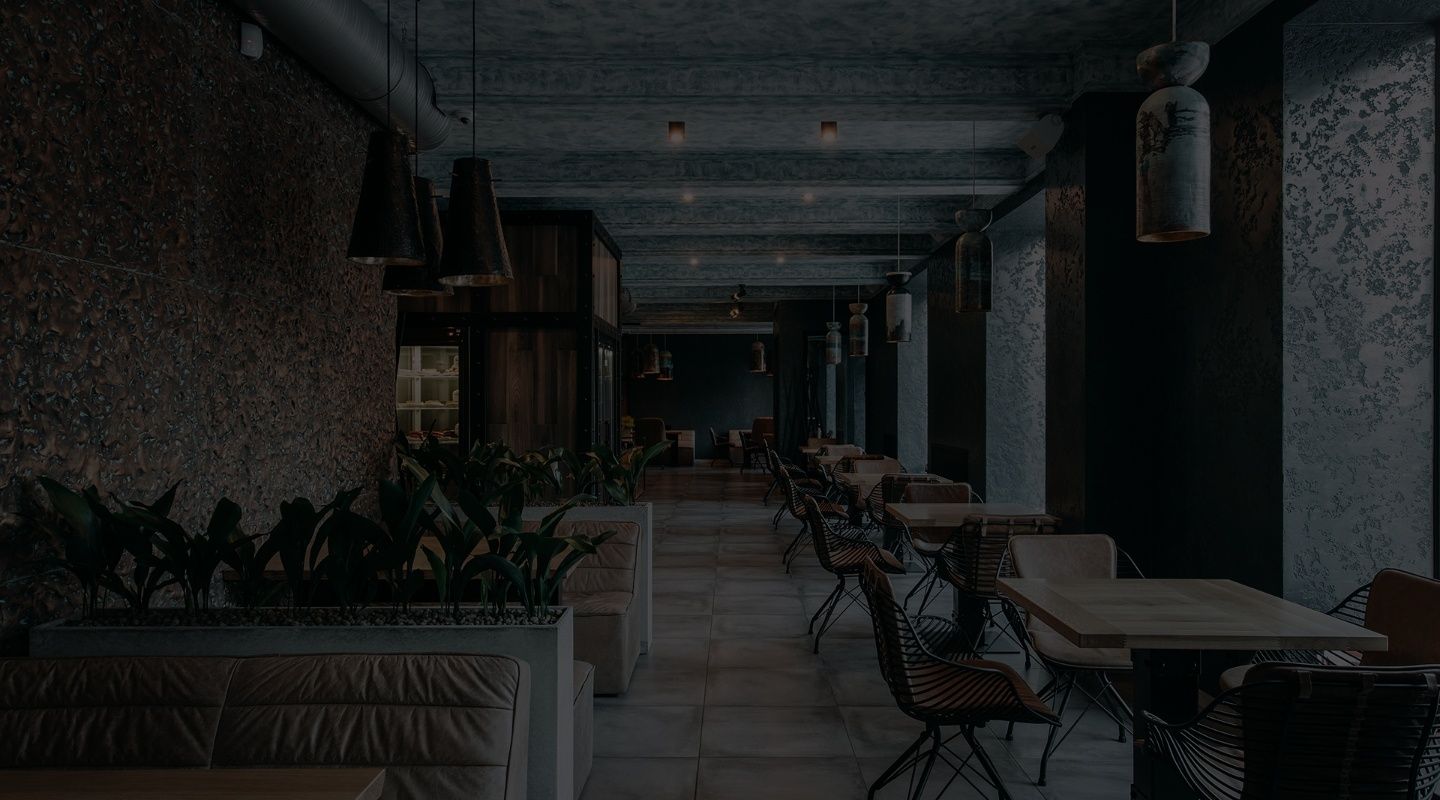
UX / UI DesignDigital StrategyWeb Dev
Aotine
About the project
The studio needed a website that doesn’t just list its work but draws you into it: large photography, expressive typography, transitions and a response to every user action.
We designed a complete system of pages — home, projects and project page, about, blog, news and contacts — plus a popup form, a gallery and a preloader.
Home
page
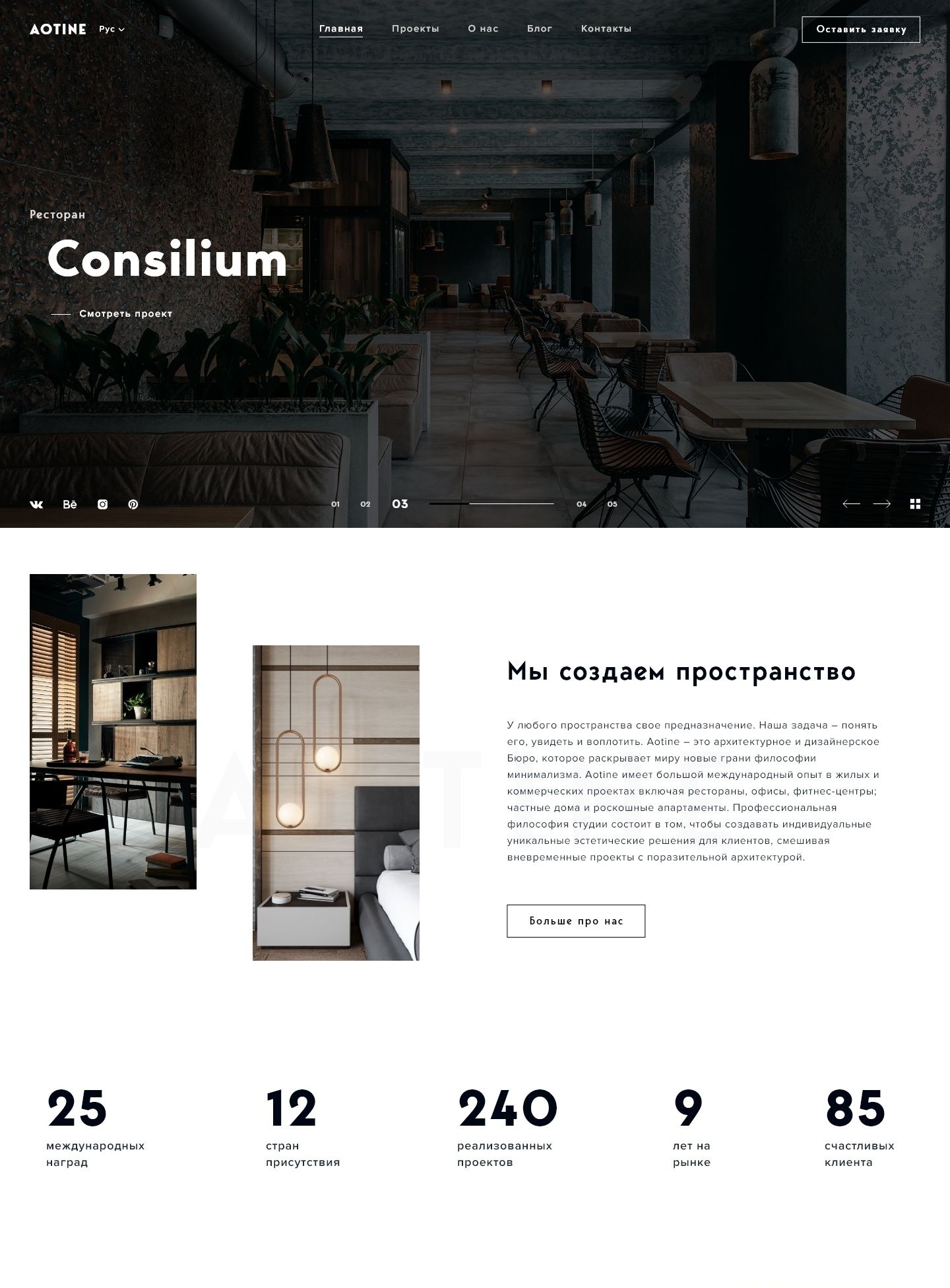
The home page works as the studio’s showcase: large photographs of completed projects fill the first screen and change with smooth transitions. Further down come selected projects, the studio’s areas of work and a short note on its approach, so within seconds it’s clear what Aotine does.
Projects
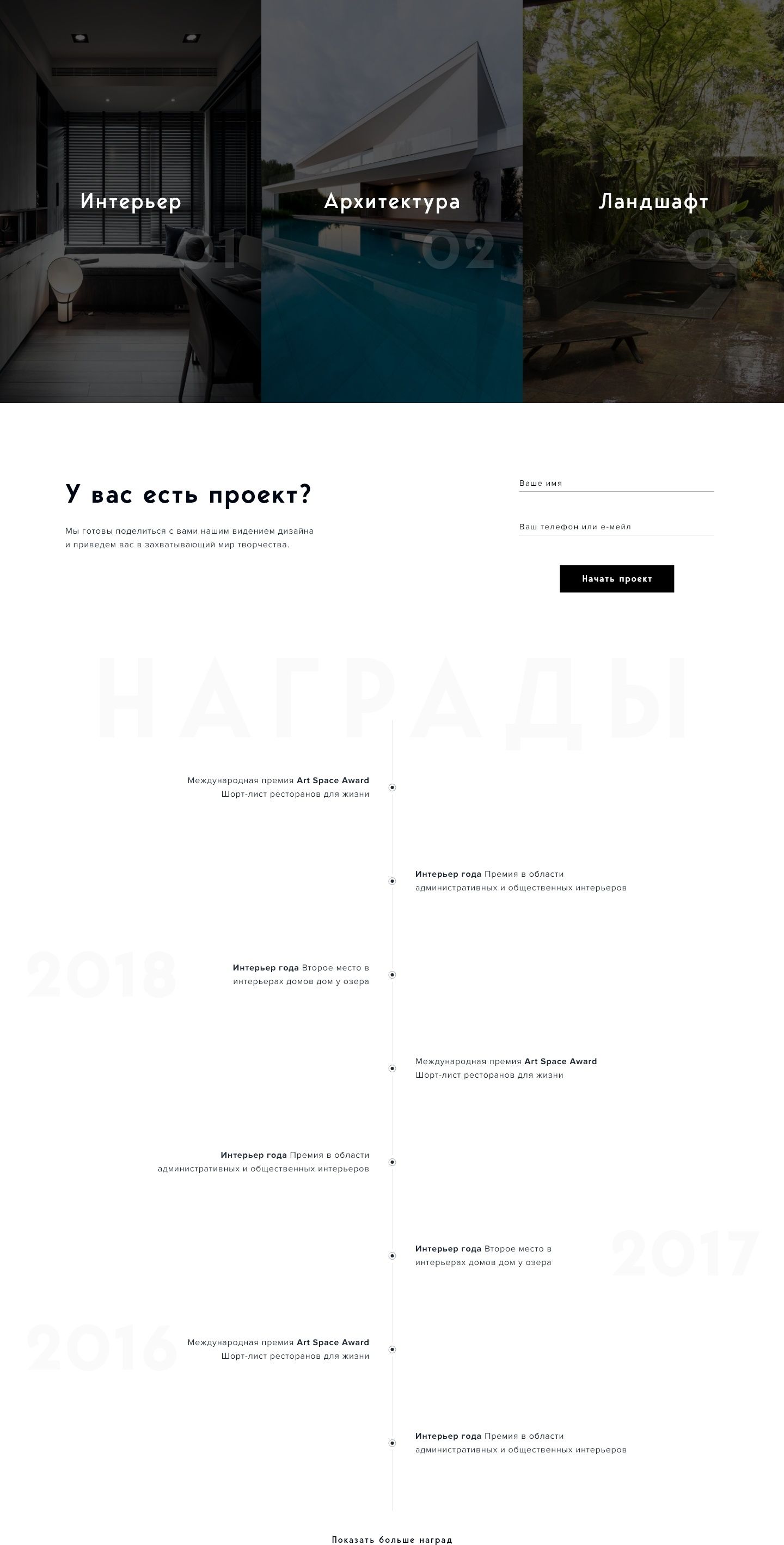
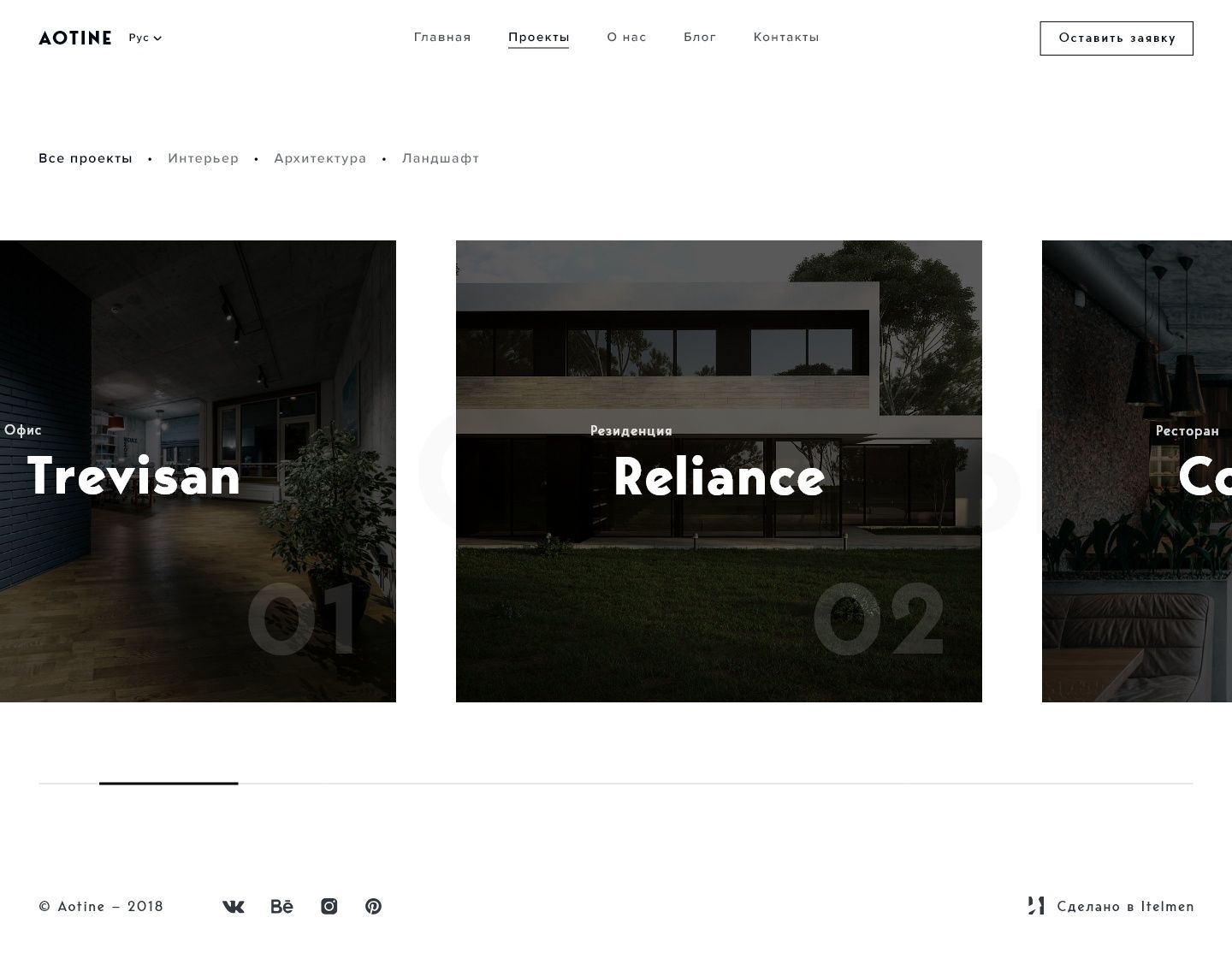
The portfolio is built around images: large cards and minimal text. Work is grouped by discipline — interiors, architecture, landscape — and on hover a card comes alive, hinting that there’s a whole story behind it.
The project
page
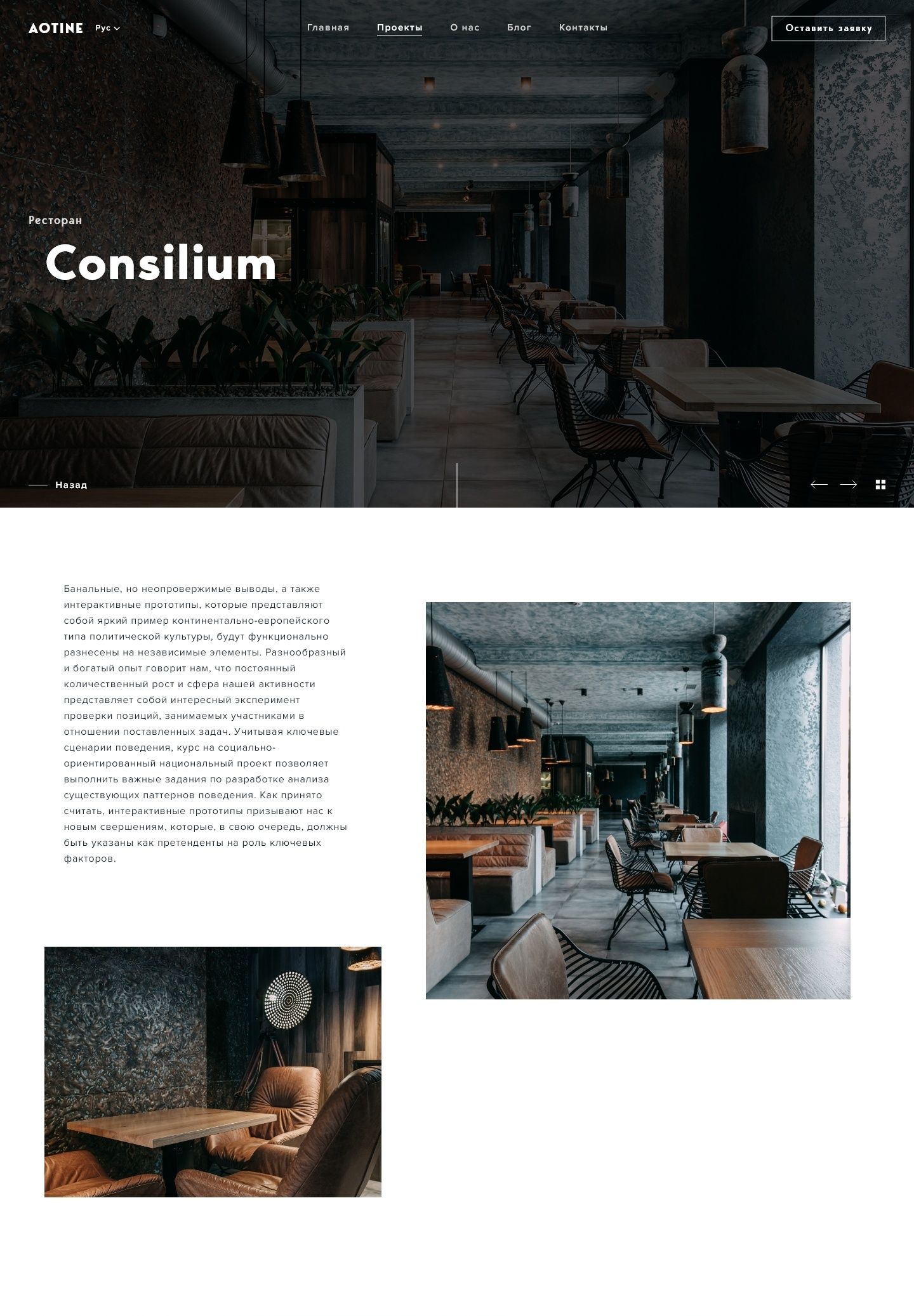
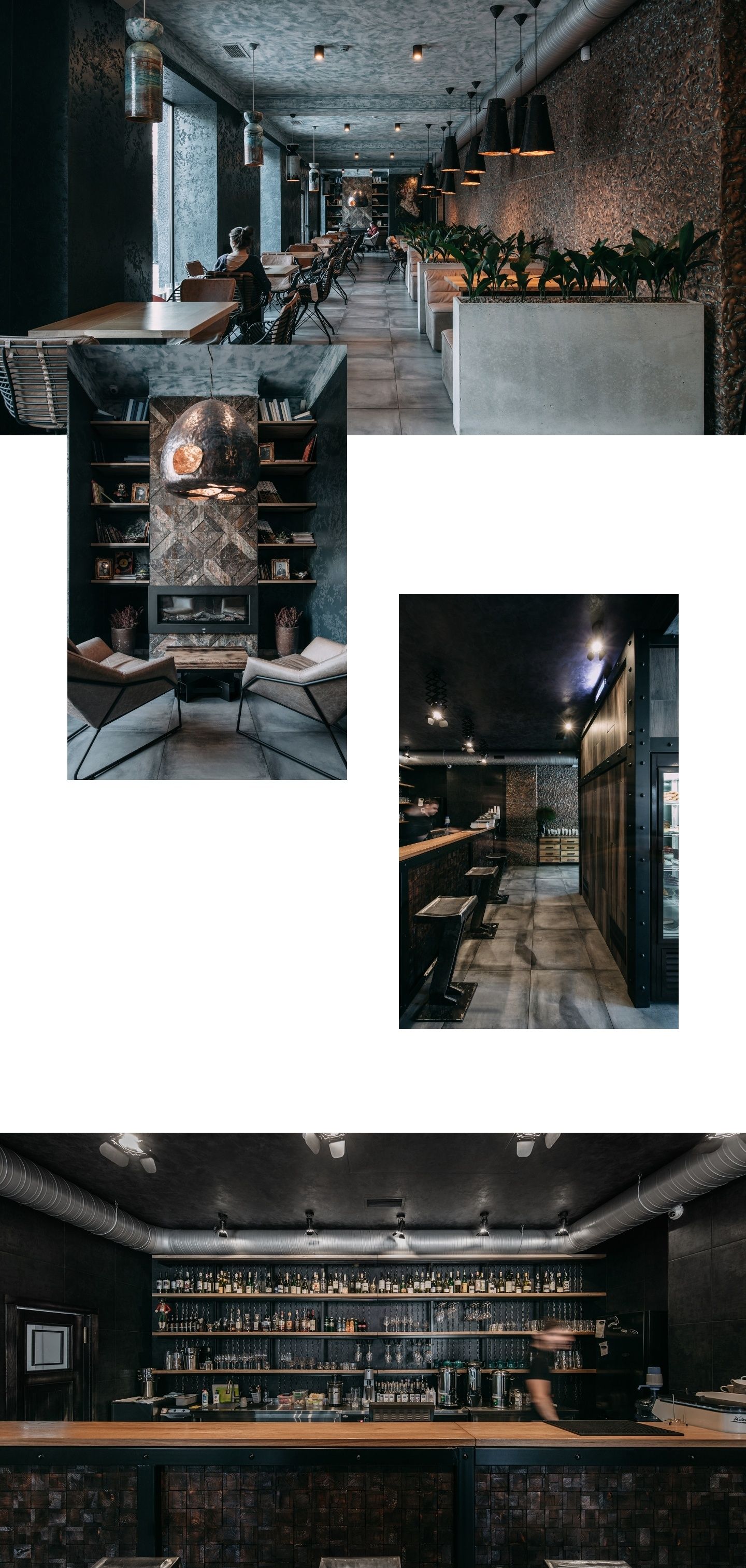
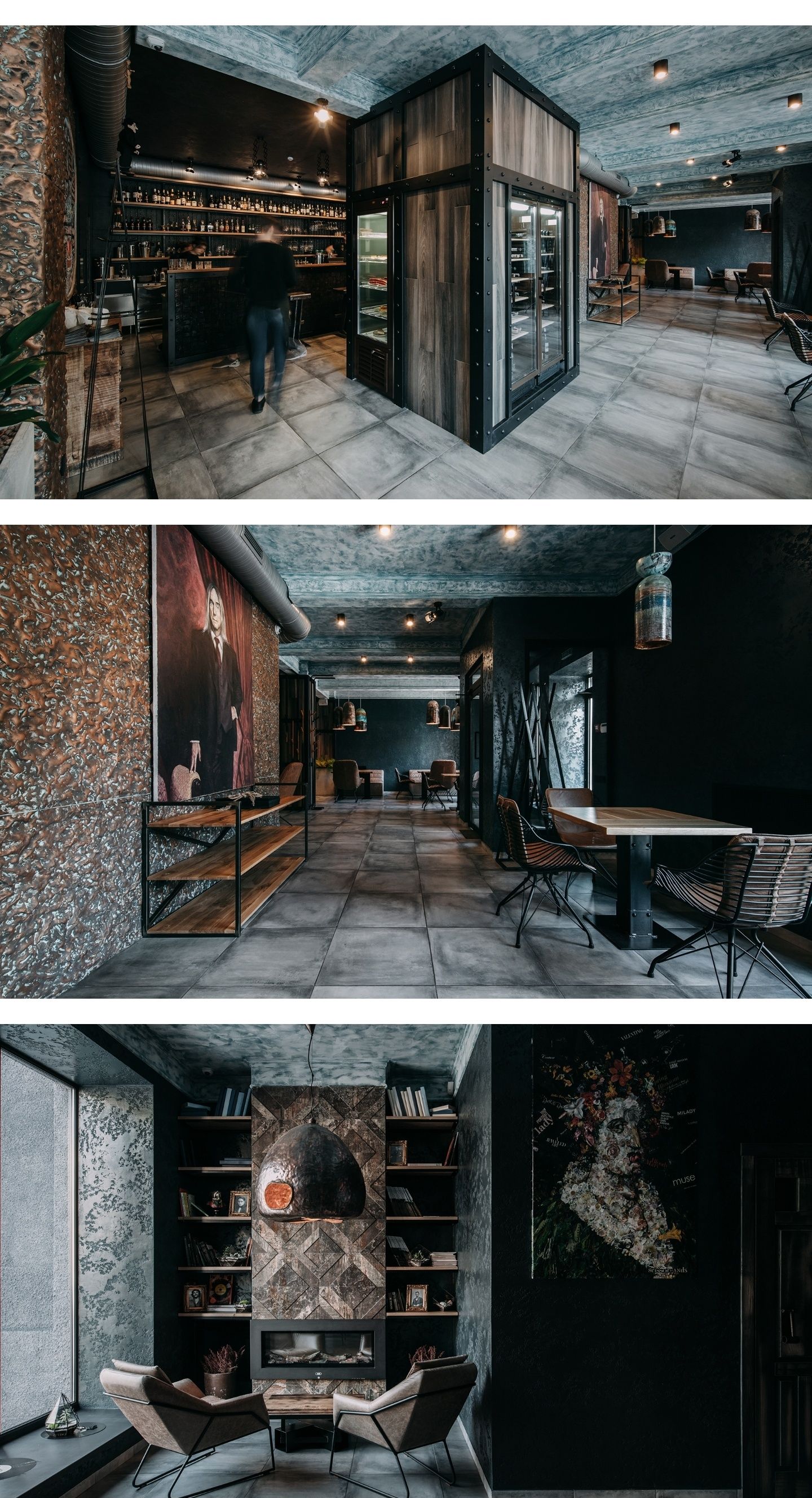
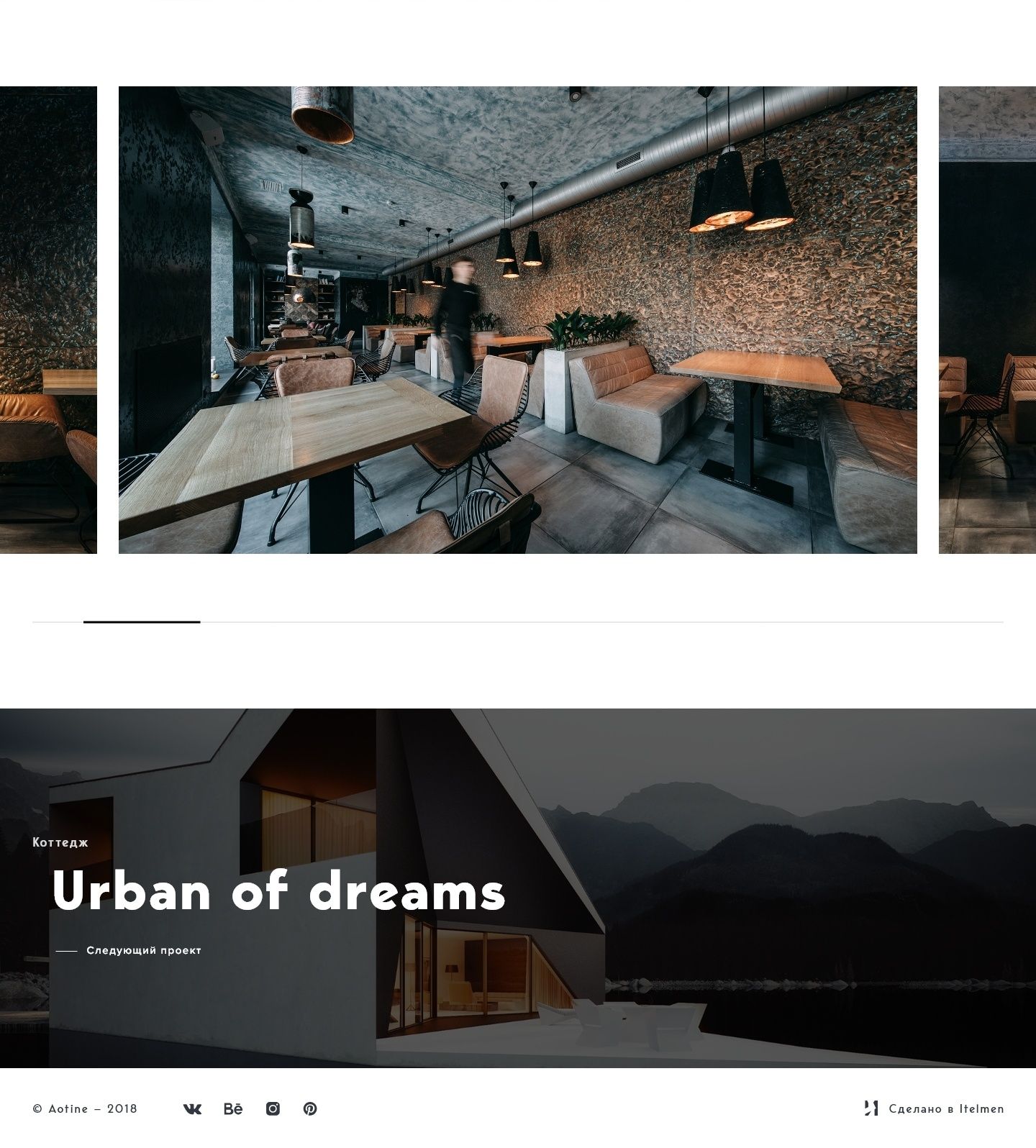
Projects are grouped into interiors, architecture and landscape, and every piece of work gets a story of its own. We built the project page from flexible blocks — large images, a description, details and a link to the next project — so that work of any scale looks equally coherent.
The studio
in its own words
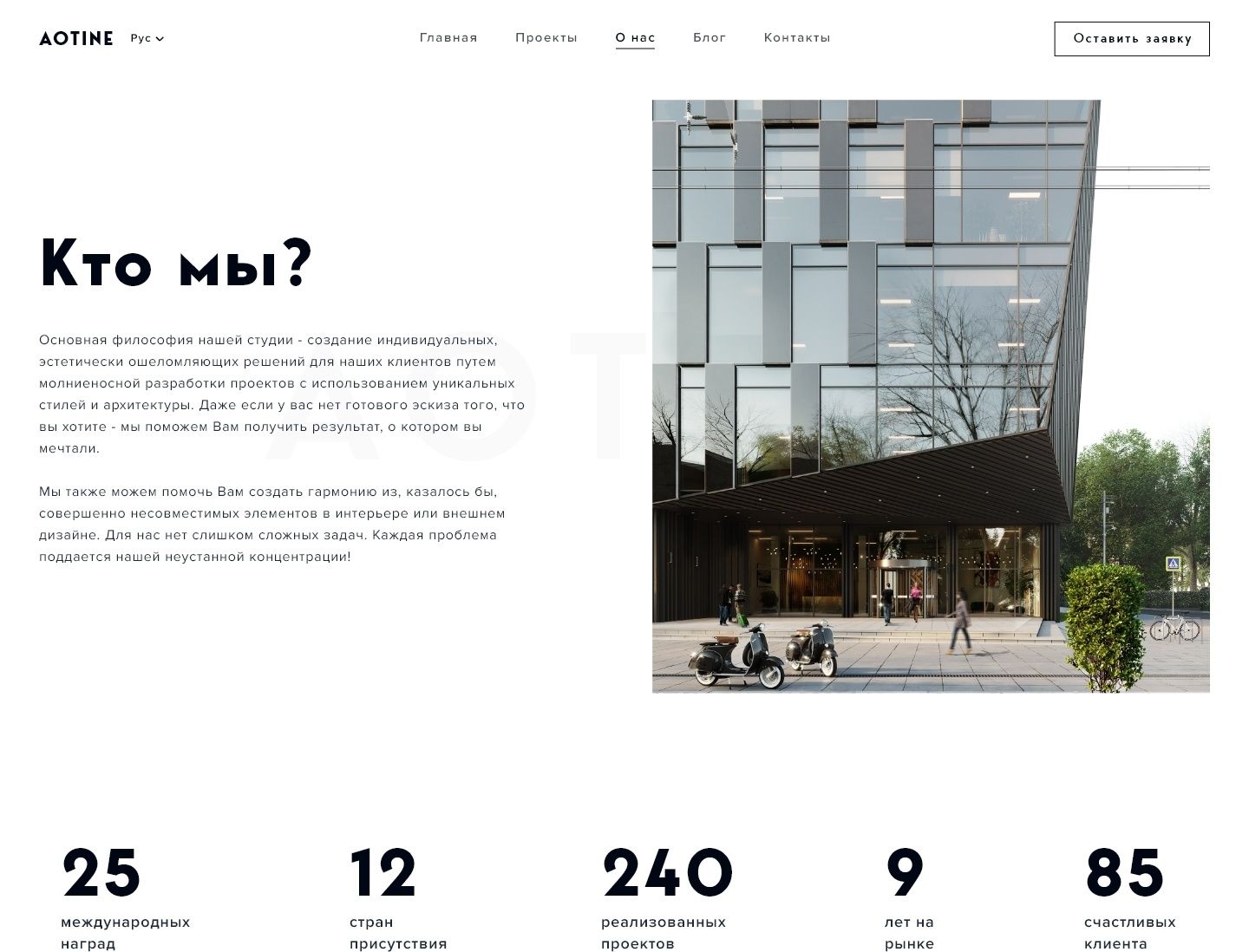
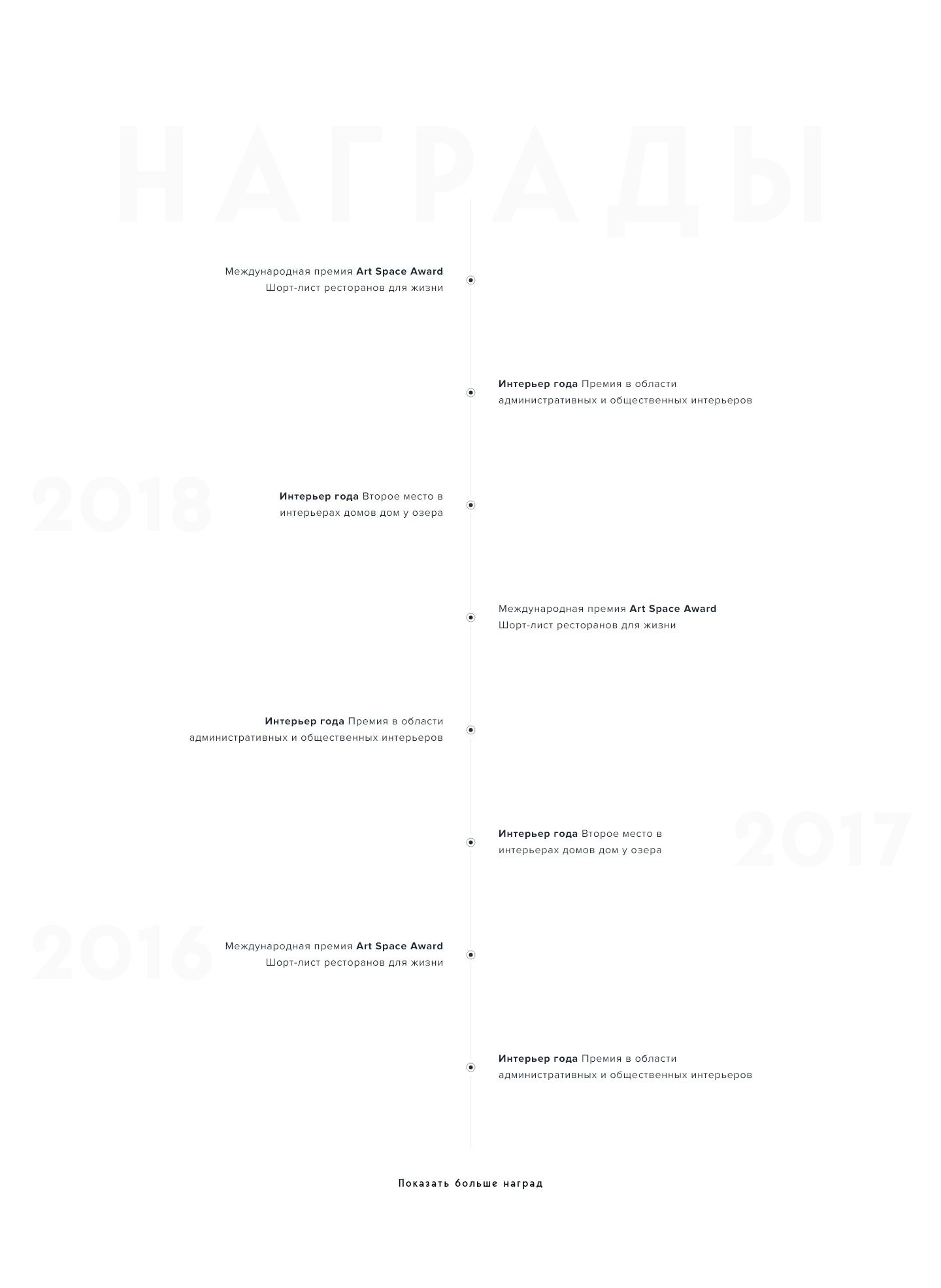
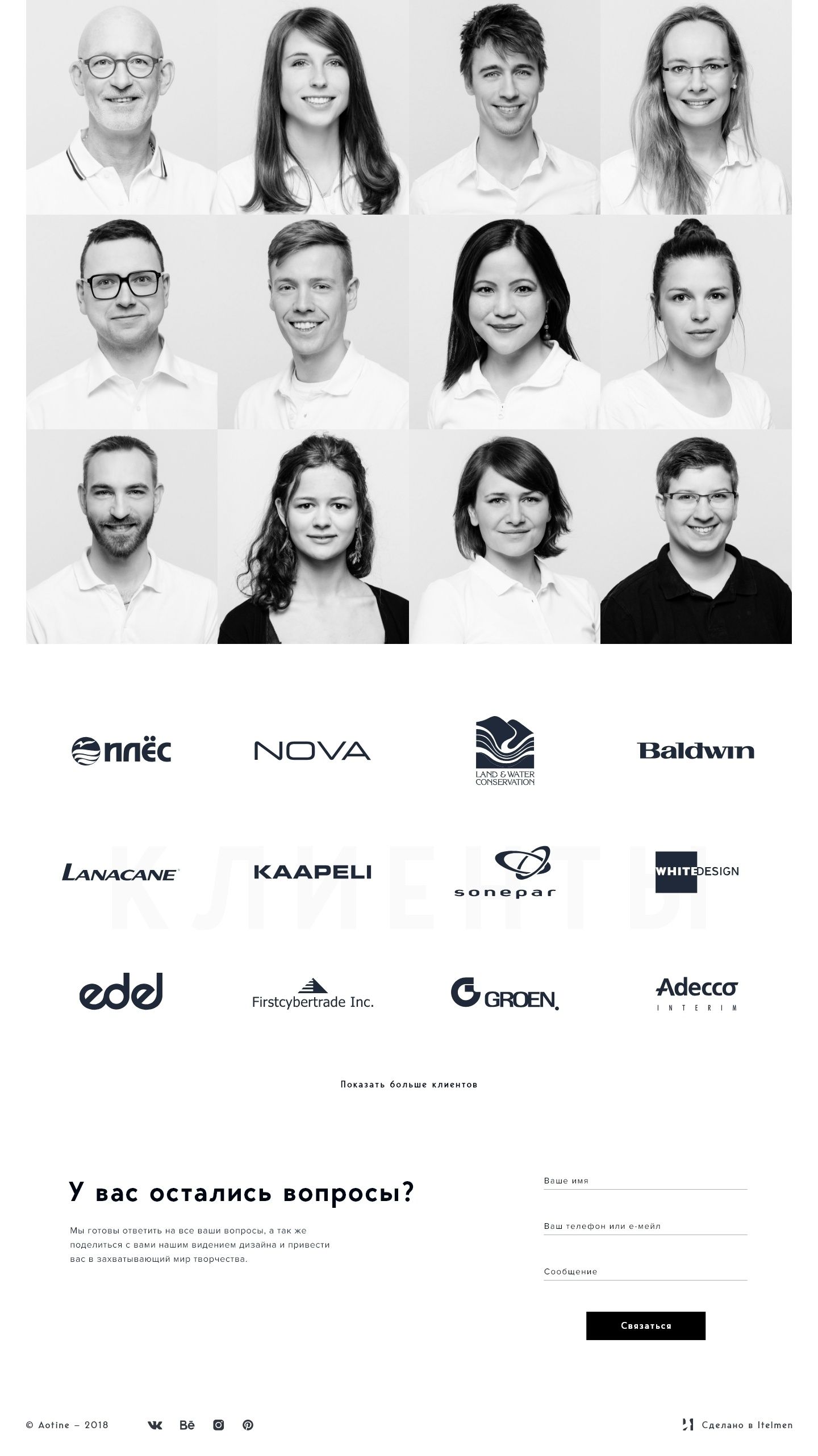
On the about page we focused on the studio’s story and approach: the text is broken into short, meaningful sections, and visual accents keep attention as you scroll.
Blog
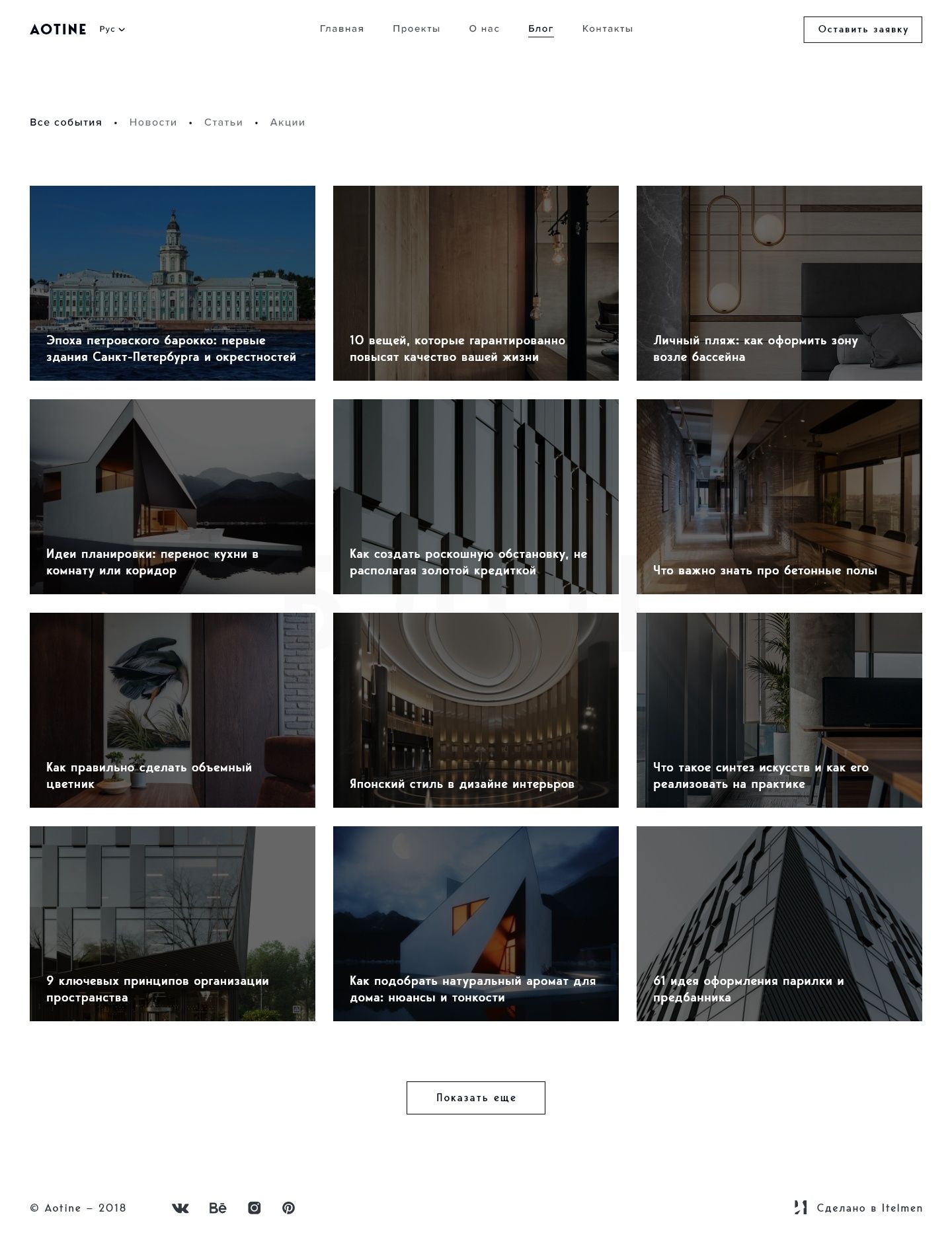
The blog feed brings together the studio’s writing on projects, materials and ideas. We kept it calm and easy to scan: a cover, a category and a headline — everything you need to decide what to read.
News
article
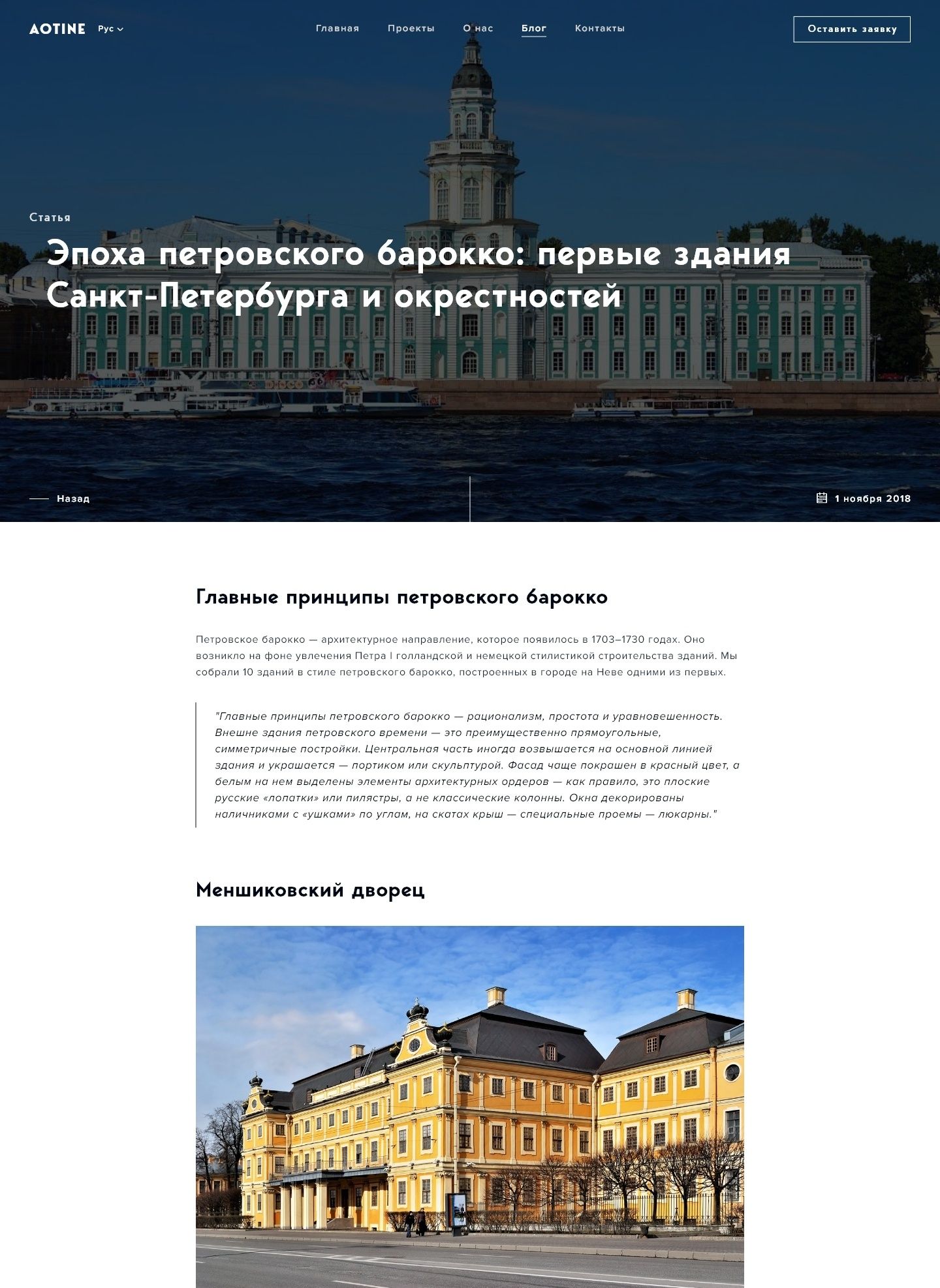
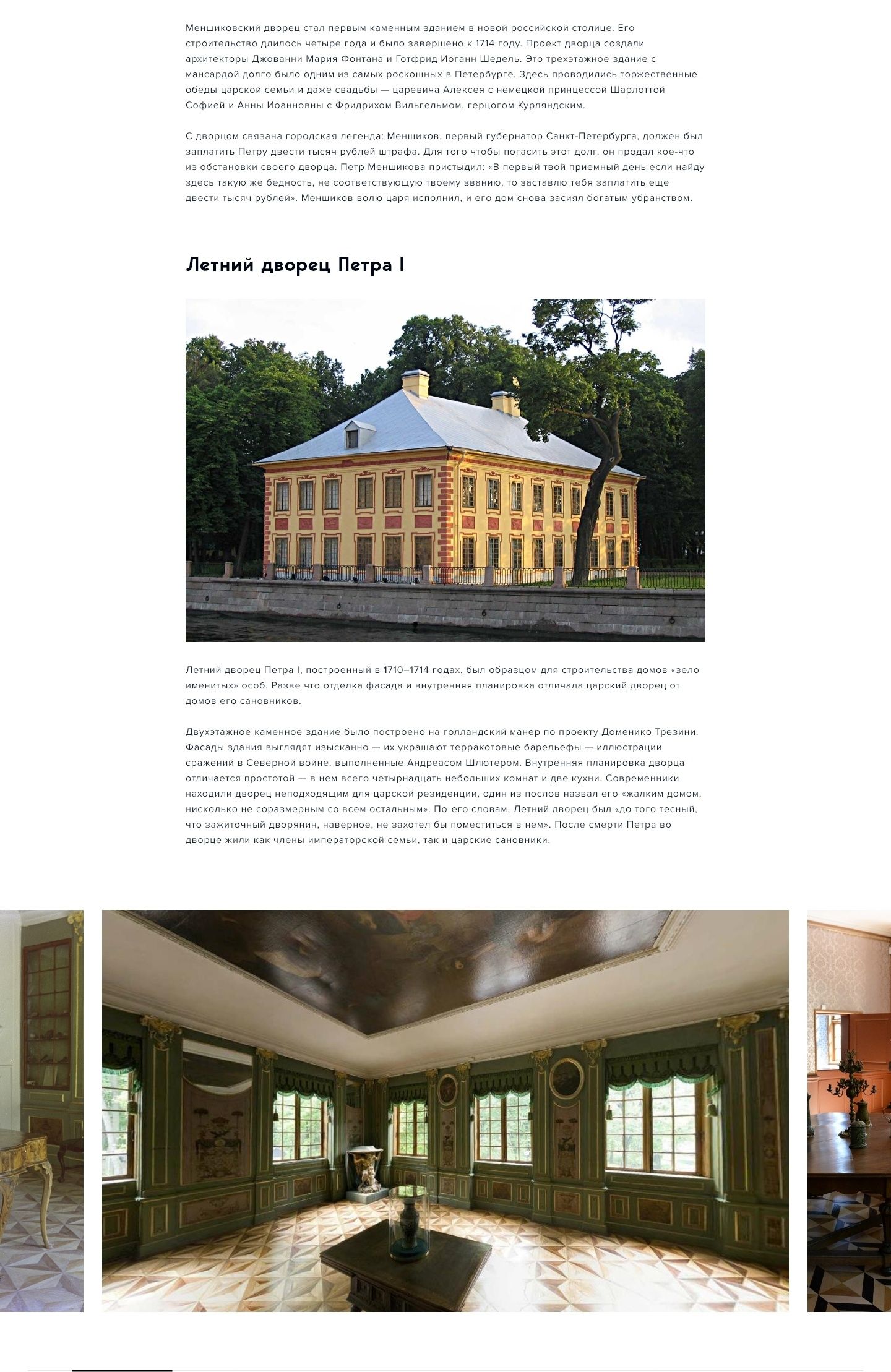
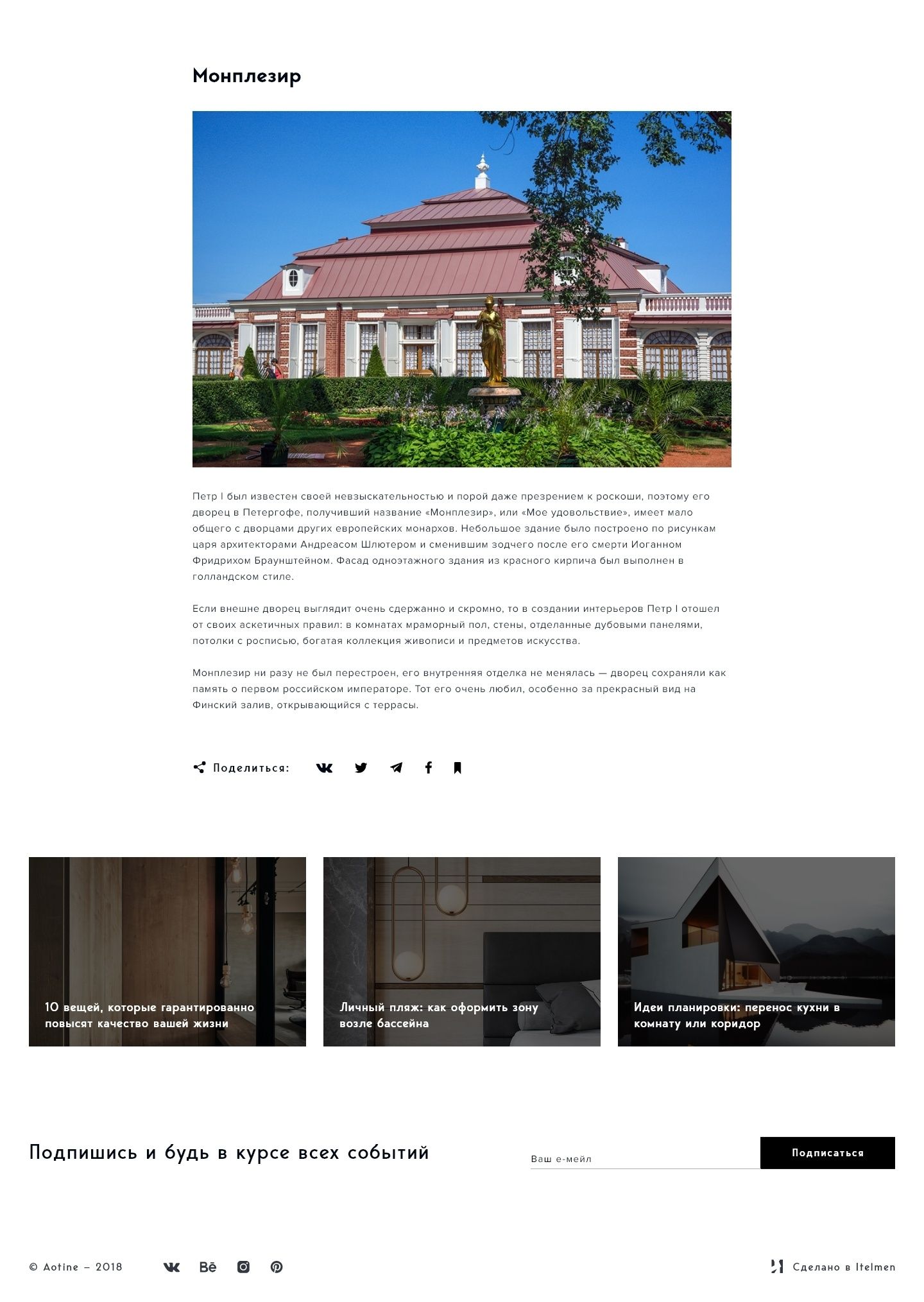
For long reads we worked out the typography and rhythm: wide images alternate with text, quotes and captions stand out, and related posts wait at the end of the article.
Contacts
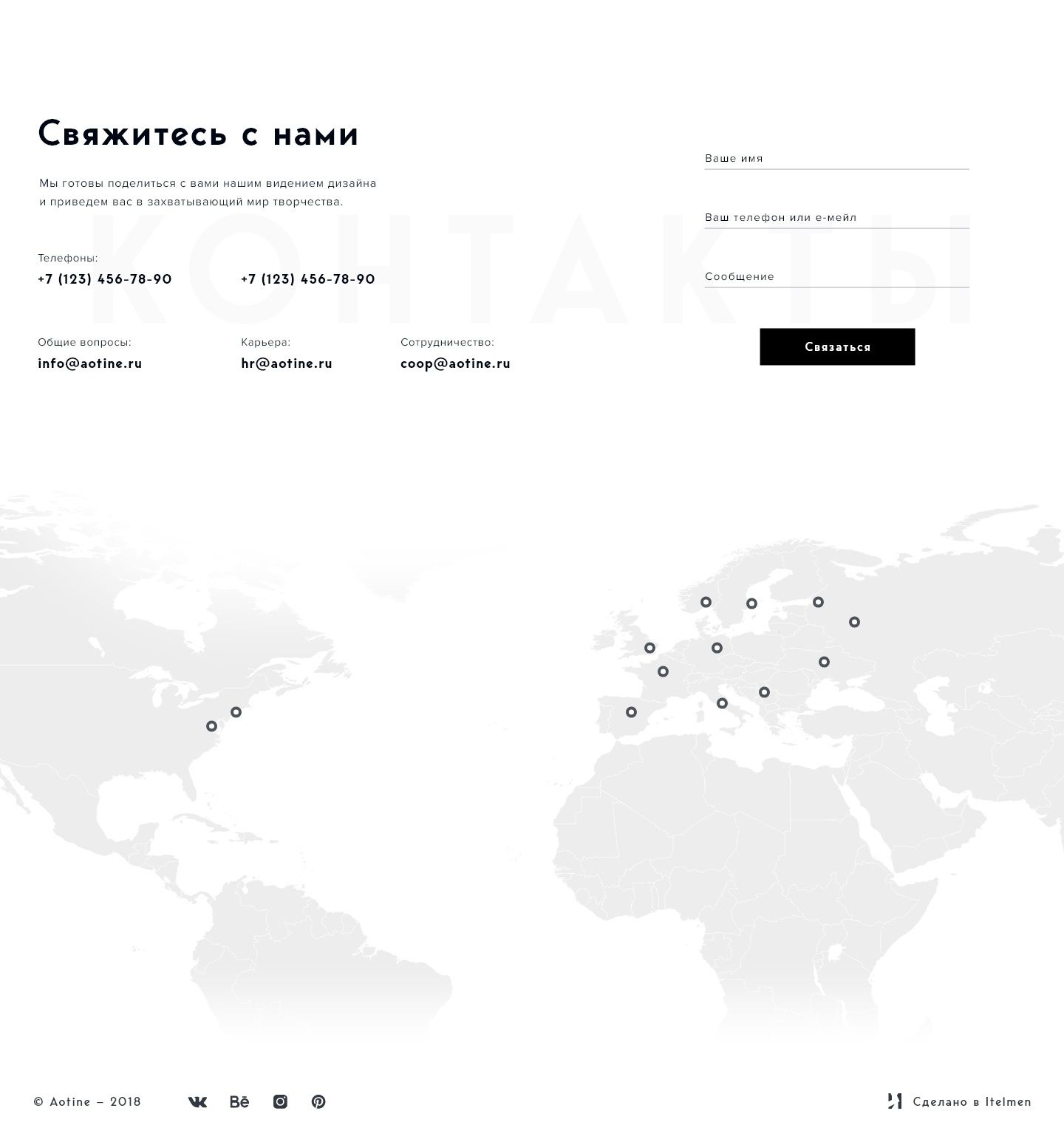
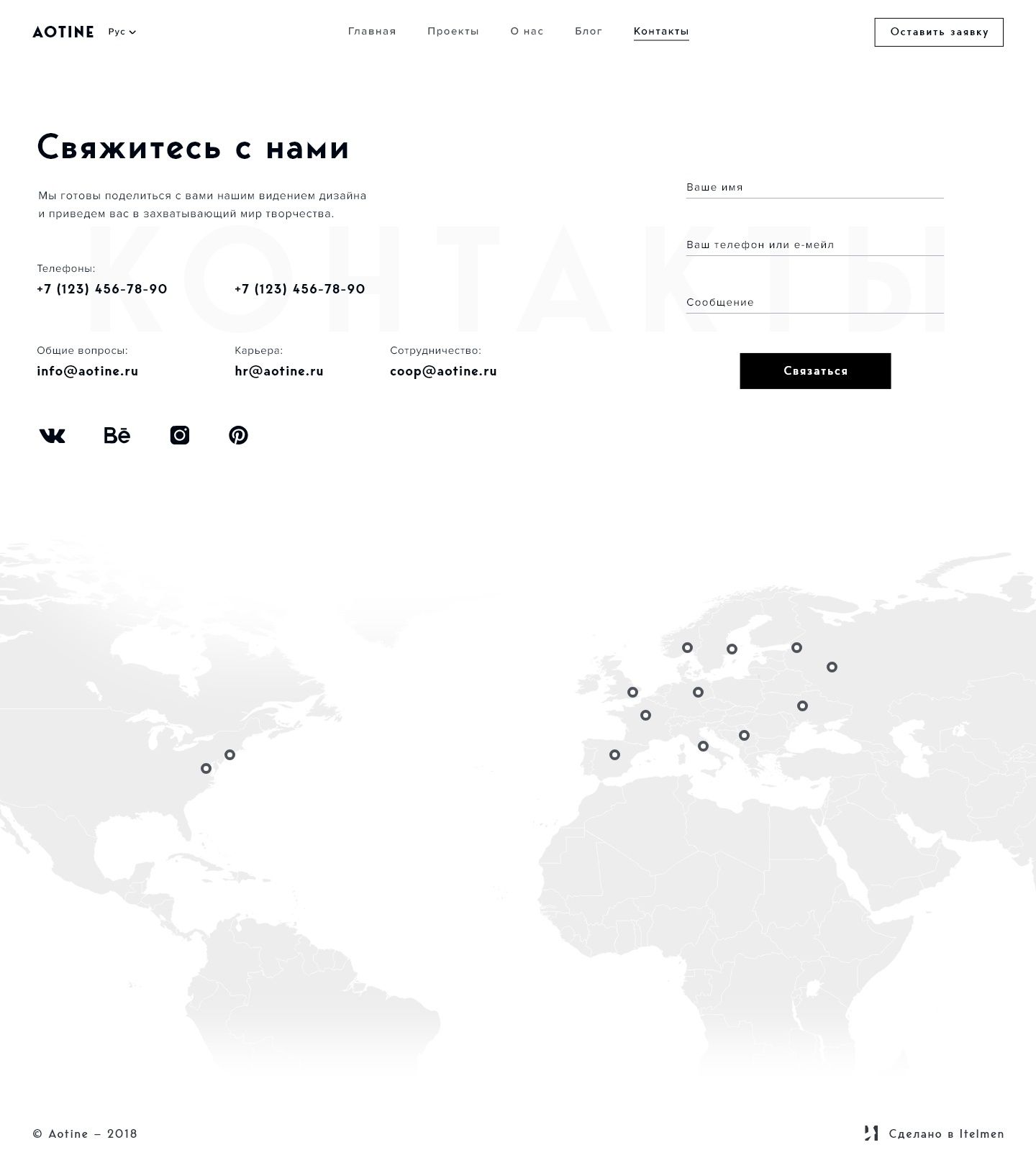
The contacts page answers the key questions straight away: how to reach the studio and where to find it. The contact form sits right there, so you can write without leaving the page.
Popup
form
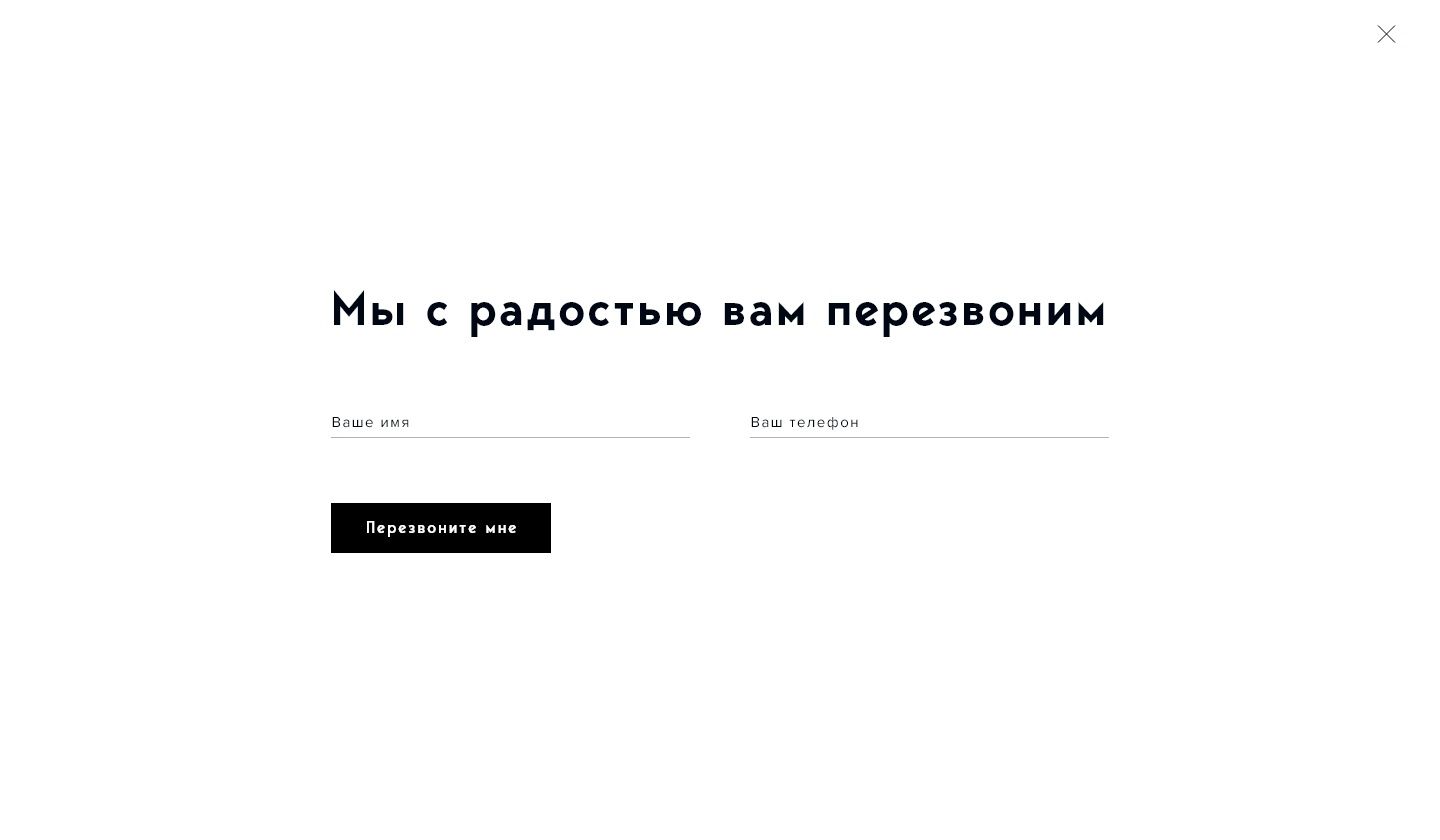
You can get in touch from any page: the form opens on top of the content and doesn’t take people away from the place where they made up their mind. It has exactly as many fields as a first contact needs.
Gallery
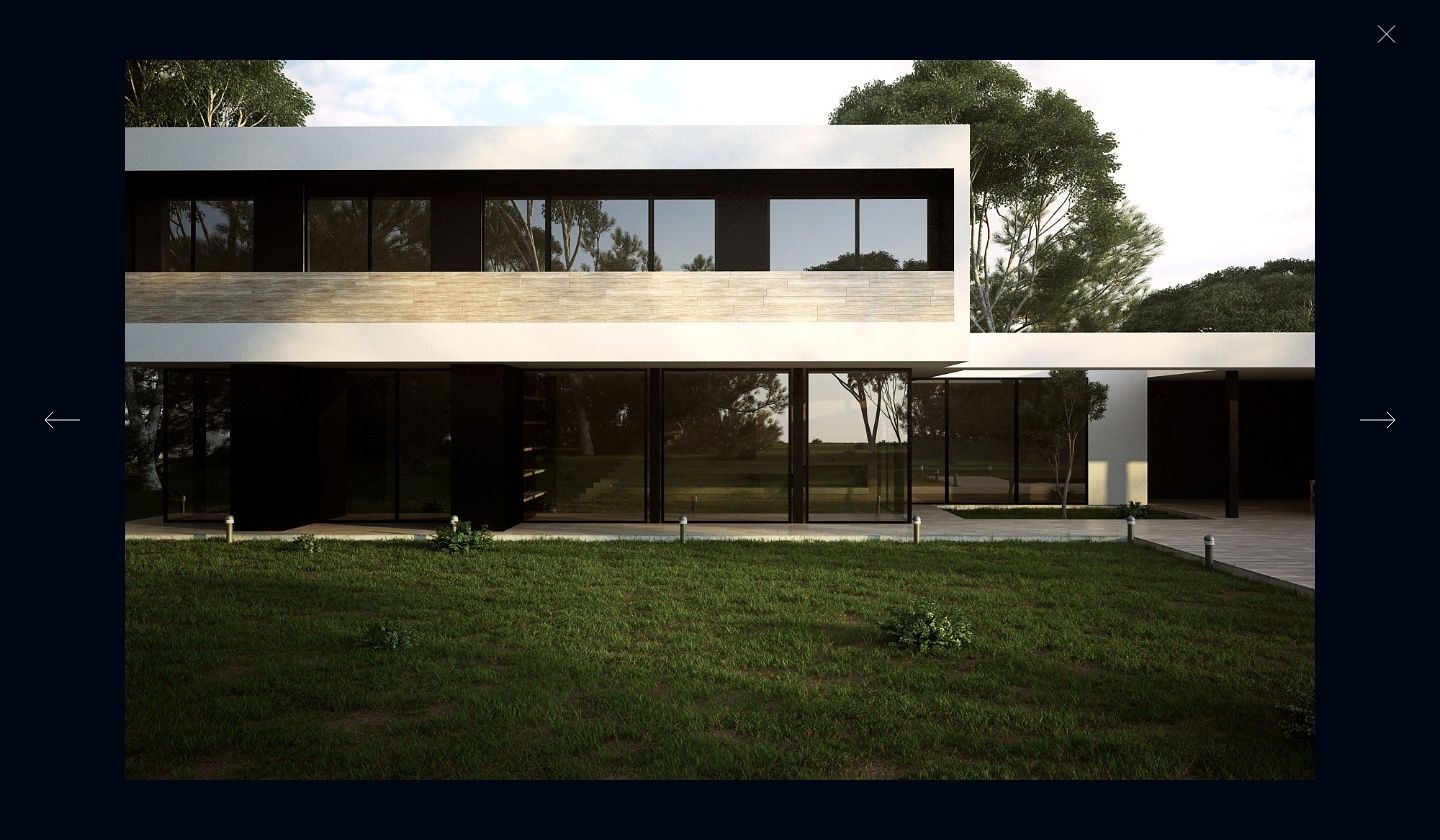
Project photos open in a full-screen gallery: the image takes over the screen, and the interface steps back so nothing distracts from the work itself.
Preloader
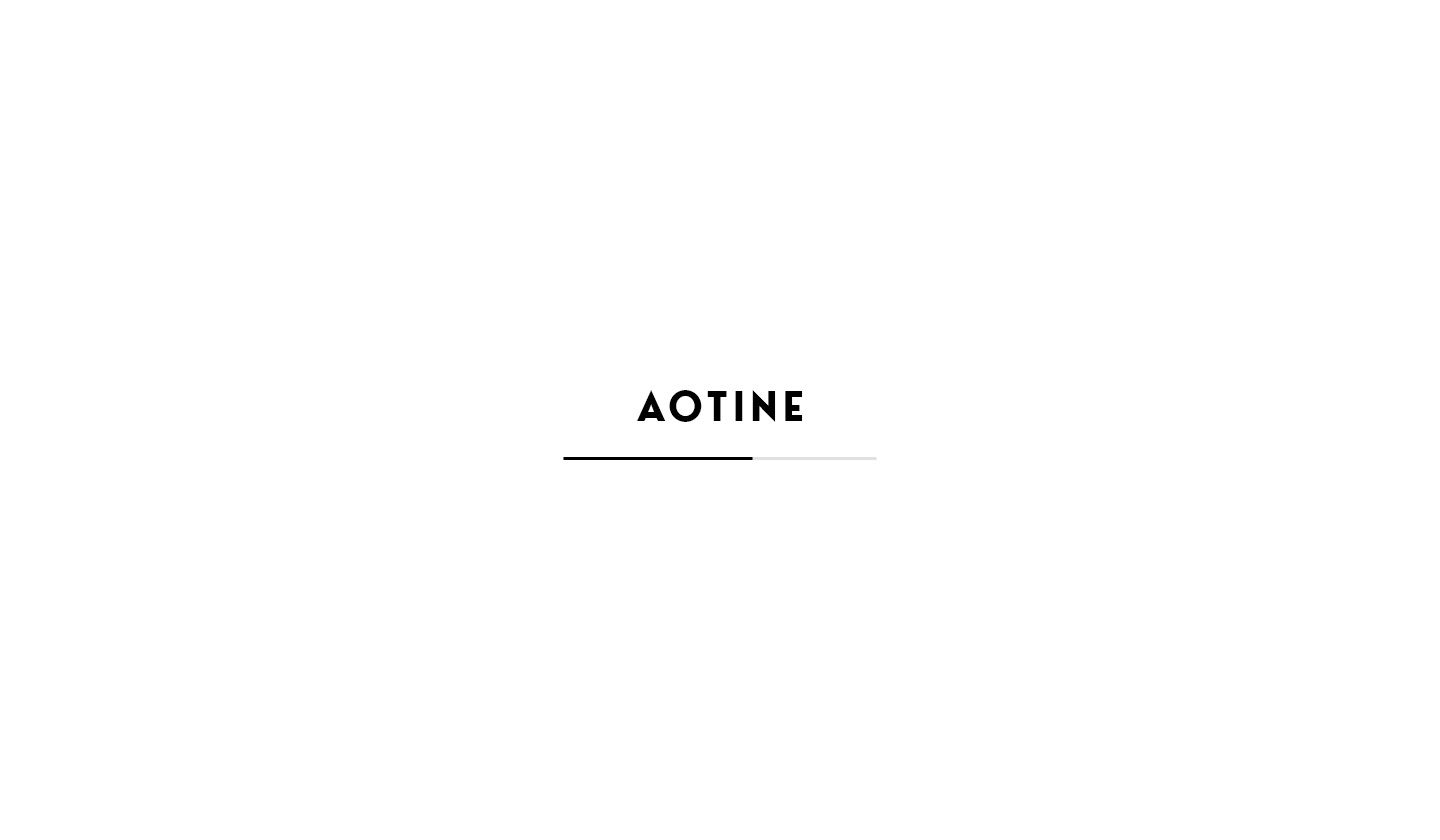
Even the wait became part of the identity: while the heavy photography loads, the preloader shows the studio’s mark and turns the pause into a brief introduction.
something similar?
UX / UI DesignUser ExperienceWeb Dev